Business Account Details
Last updated 7 months ago
View your Business Account Details
You can view you business details under Account Settings in the main menu and navigating to Business Details.
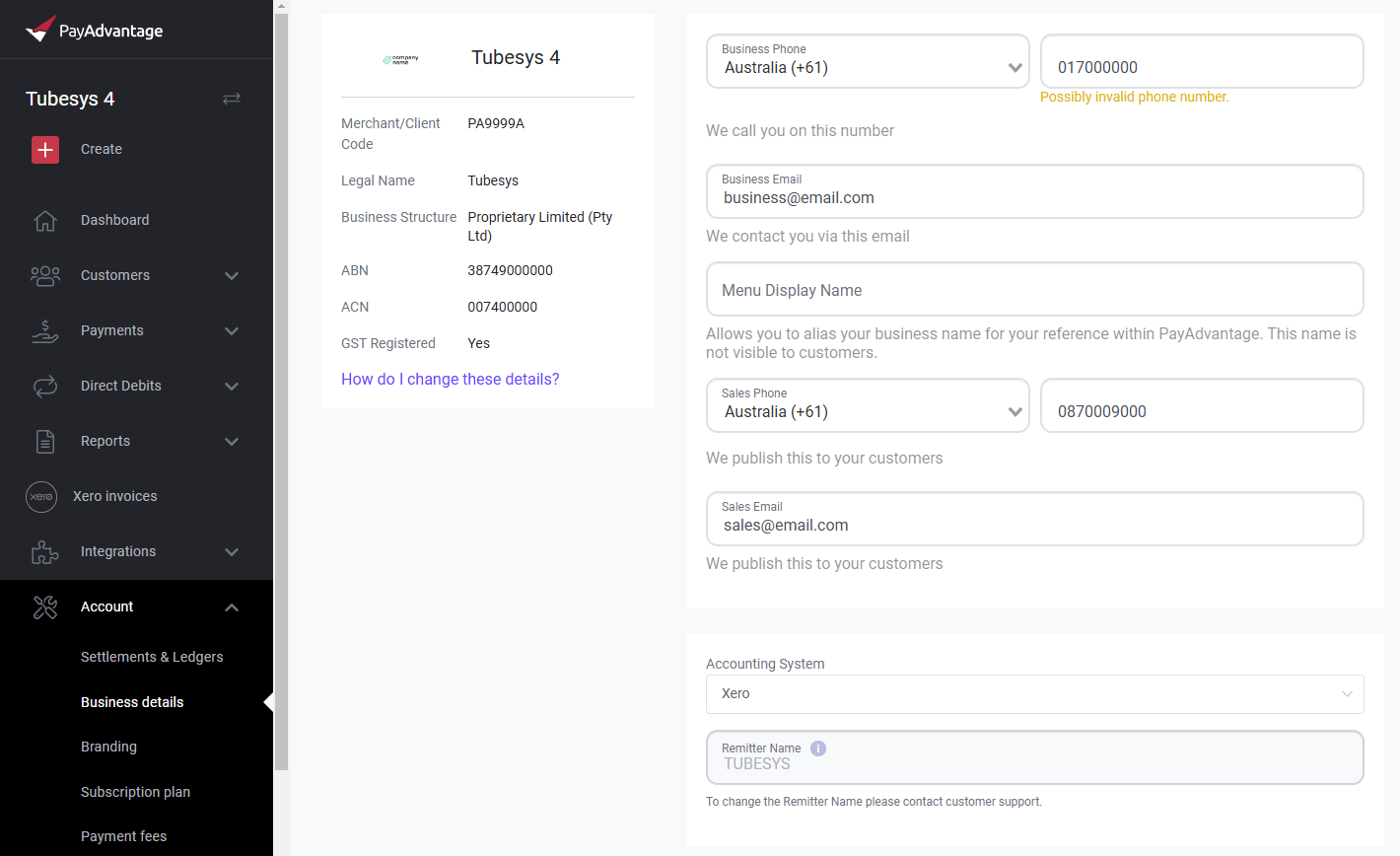
Make sure all your details are correct. If you ever want to update your details you will have to contact support via phone or email to discuss the process required to change your business details.
For legal and security reasons you can not change the details of the business within Pay Advantage online.
How do I change the business/company name for my account?
For legal and security reasons you can not change the legal name of the business within Pay Advantage online.
Please contact support via phone or email to discuss the process required to change the business name.
Was this helpful?
Still need help? Ask the team