Reset a Forgotten Password
Last updated 7 months ago
If you have forgotten your password, you can reset it by following these steps:
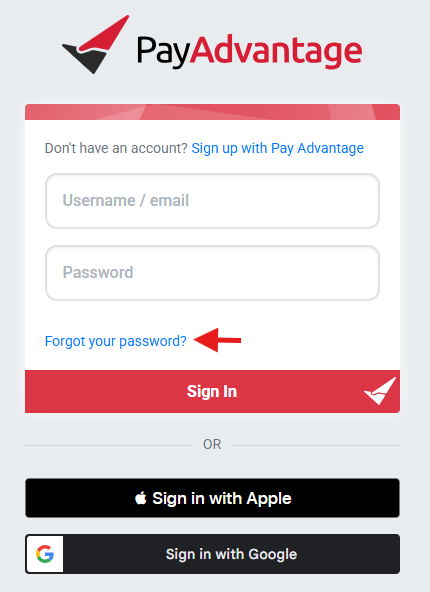
- Go to the login page: https://secure.payadvantage.com.au/
- Click the Forgot Password option at the bottom of the screen.
- Follow the prompts to request a password reset.
You will receive an email with instructions to reset your password.
Please note that Two-Factor Authentication (2FA) may also be required during this process for security purposes.
Was this helpful?
Still need help? Ask the team