Send Your Customer a Refund Receipt
Last updated 7 months ago
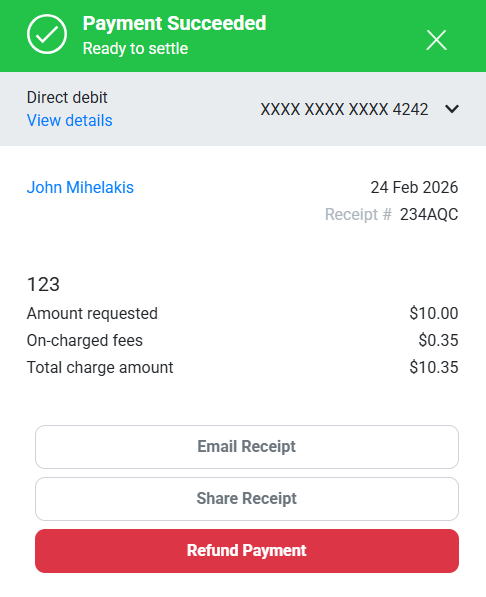
Once you have processed a refund for your customer, you can send them a receipt via email or by sharing a secure link.
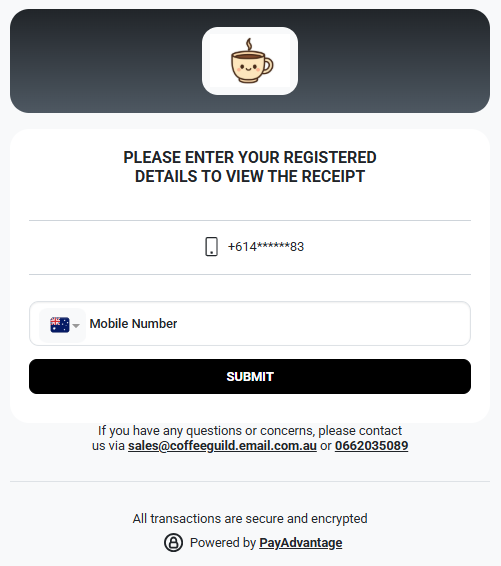
To view the receipt, the customer will be required to enter their registered details (their mobile number).
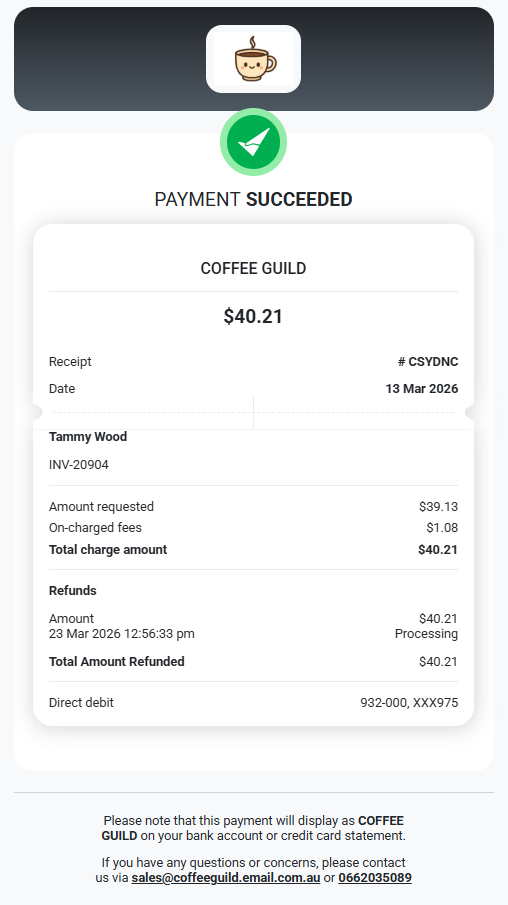
After entering their mobile number, they will be able to securely access and download the refund receipt.
Was this helpful?
Still need help? Ask the team